
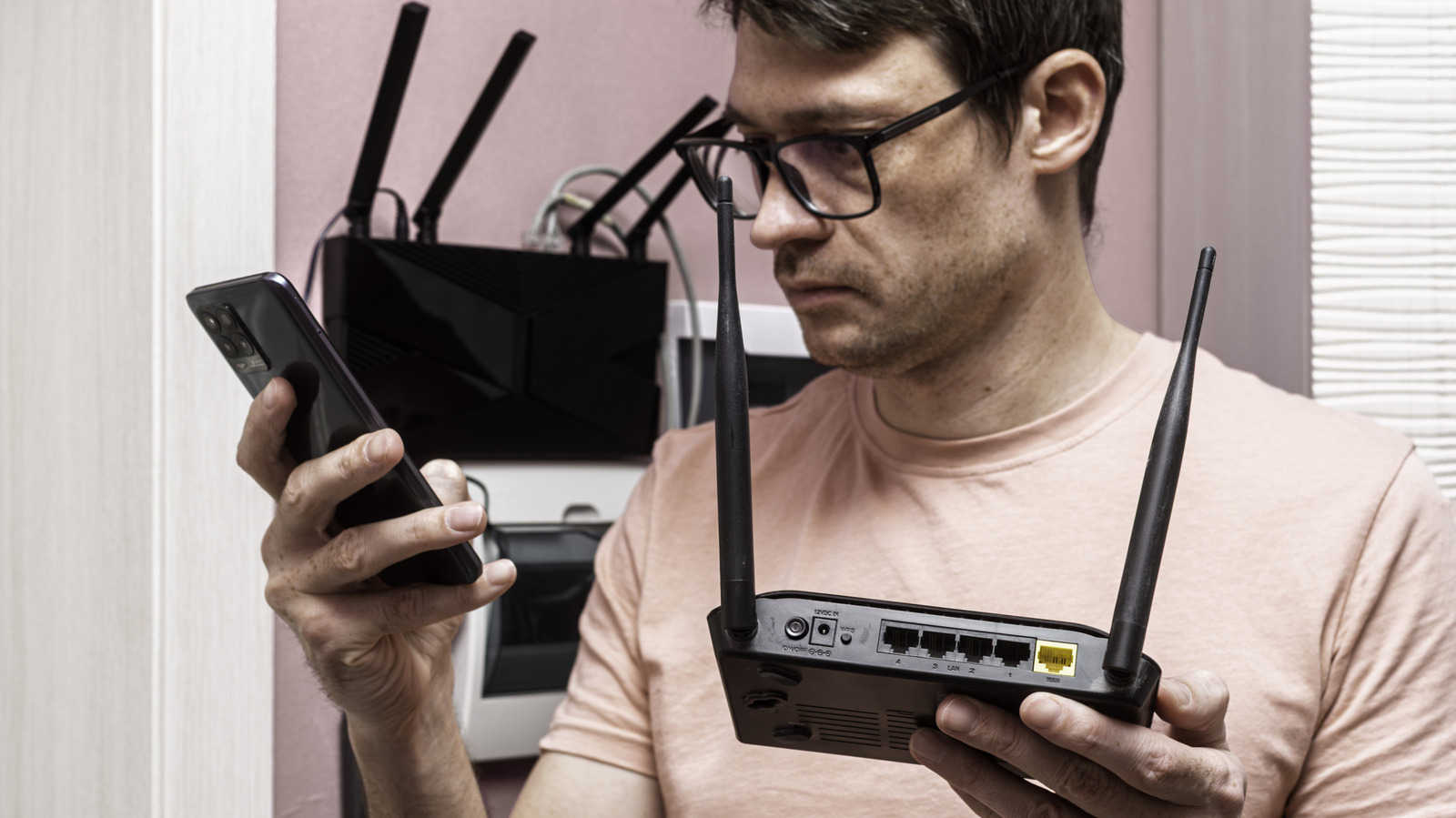
Your old router has a lot of potential on your network, so give it a new job.
Vladimir Soldatov/Getty Images Add Engadget on Google: Preferred Source Google Discover Unlike many devices in your home, you probably don't think much about upgrading your router. Routers can work for a long time, and it's easy to overlook when one isn't getting firmware updates anymore or doesn't support the latest Wi-Fi standards . This can make upgrading to a new Wi-Fi router more difficult, since throwing away a perfectly functioning piece of equipment feels wasteful.
Thankfully, this doesn't need to be an issue. Old routers can easily be repurposed to have use even as a secondary or tertiary device. While newer models offer better security, range, and performance and are thus the best for your primary device, old routers can take advantage of the fact that most networking fundamentals haven't changed in decades. You have many ways to repurpose an old router instead of sending it off to the landfill or for recycling.
If your new Wi-Fi router struggles to reach corners of your home, consider using your old router as a dedicated access point. With this method, you don't need to buy a wireless extender or another single-purpose piece of tech.
There are two approaches you can take: wired or wireless. A wired connection brings stable connectivity and fast speeds, but you need an Ethernet line running back to your primary router. This might not be possible several rooms away unless you're comfortable pulling cable through your walls.
I recommend against broadcasting two Wi-Fi signals in close proximity, since this can lead to wireless interference and worse performance. The good news is that you can disable specific frequencies on both routers to avoid congestion. A good option is configuring the old router to broadcast on the 2.4GHz band, while disabling that frequency on the newer router. This is because 2.4GHz signals penetrate walls better, while most of the Wi-Fi improvements over the past decade have applied to higher frequencies like 5GHz and 6GHz .
Many routers support wireless repeater or bridge functionality, so check the admin panel or manual for those terms. On my older TP-Link router, this feature is hidden within several sub-menus under the WDS bridging label. The downside with this approach is that your router has to use part of its limited wireless capacity to communicate with your router. This translates to slower real-world speeds when you're connected to the secondary router.
A small number of routers can also double up as a mesh Wi-Fi node. Asus calls this feature AiMesh on its routers, and it allows you to mix different models to create one unified network. If you haven't chosen a new router yet and your old one offers this, buy one in the same family to take advantage of it.
sweet_tomato/Shutterstock If your new router doesn't have enough LAN ports to connect high-bandwidth devices like smart TVs, computers and gaming consoles, you can use your old router as a switch . A basic network switch typically costs between $10 and $20, and is yet another single-use device you don't need to buy if you have an old router lying around.
Setting up a router in switch mode is relatively easy. Simply run an Ethernet cable from your new router to the old one, using LAN ports on each, and connect your devices to the remaining ports on the old router. Make sure you don't plug anything into the old router's WAN port .
Many routers offer Access Poin…