
It helps on a number of levels, it turns out.
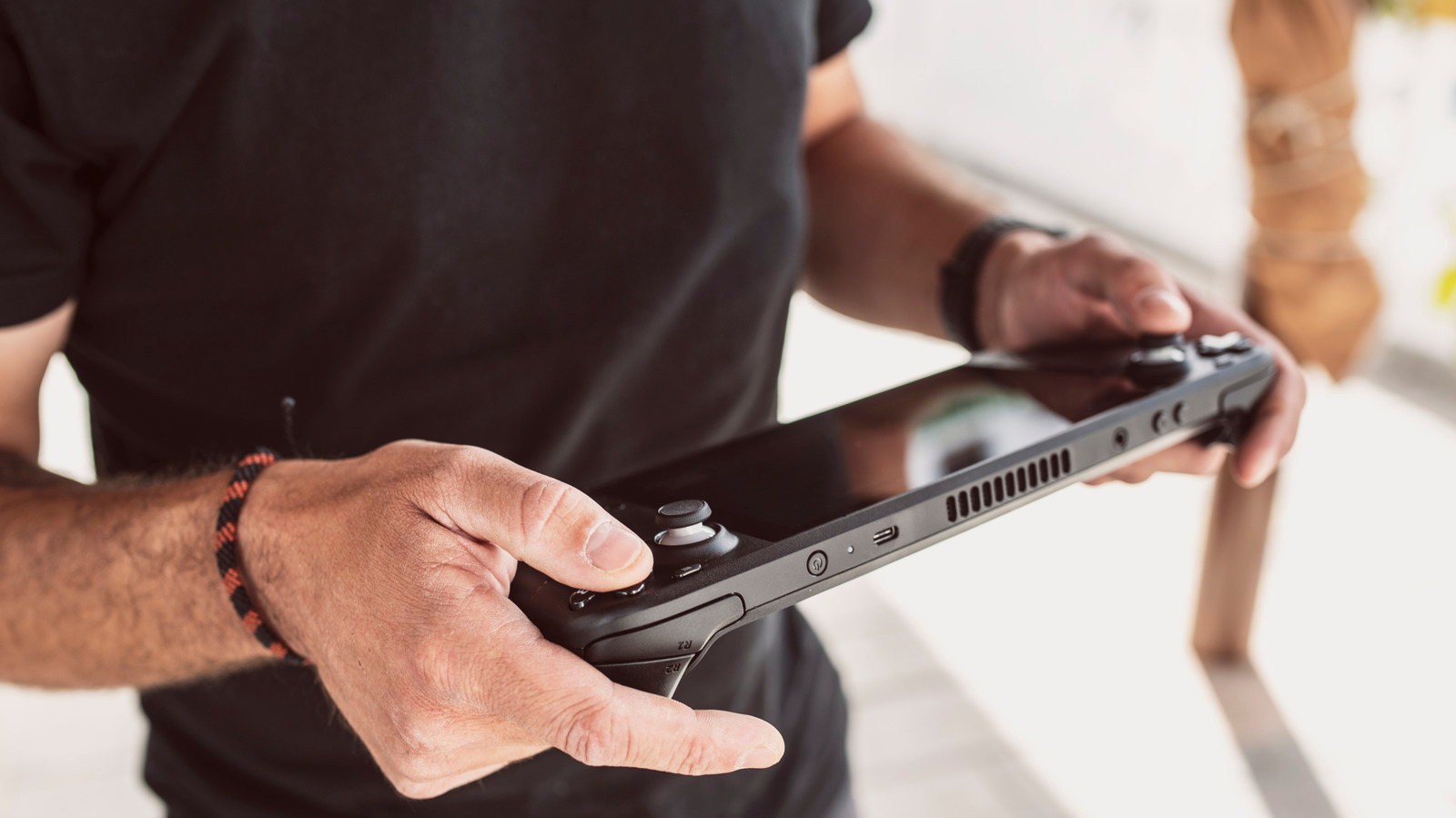
FotoAndalucia/Shutterstock Add Engadget on Google: Preferred Source Google Discover If there's one piece of advice that's been echoed all over tech forums and support pages the moment someone brings up an issue, it's probably, "Restart your device." Even though gaming handhelds like the Steam Deck and the ROG Ally don't look like laptops, under that portable hood they're running full PC operating systems, regardless of whether that's Valve's SteamOS or Windows. So, at their core, they still run on the same principles as your regular PC. That means the age-old advice of "turn it off and on again" still holds true here and with an impressive success rate.
On the surface, restarting your gaming handheld seems like basic advice, but there's more to it than meets the eye. That simple restart can fix a surprising number of issues, from a game that keeps crashing to sudden frame drops and lag. It can even clear up lingering audio issues. So there are a lot of benefits to restarting your gaming handheld regularly; it's even one of the first troubleshooting steps on Valve's Steam Deck support page. It won't solve everything, but it'll at least clear out whatever's built up in your background and give the system a clean slate to work with.
The first benefit of making regular restarts a habit is that it keeps your device's memory clear. The more you use your console, the more your RAM (random-access memory) gets filled up, and over time some games and applications can fail to release memory back to your system or leak memory even after you've closed them. These leaks and memory hogging eventually slow down your gaming handheld, and worse, it's not something you can prevent. But by simply restarting your gaming handheld regularly, you can keep those effects from building up over time.
Another unsung benefit of restarting your gaming handheld is that it allows your system to apply updates effectively. A good ol' restart allows your device to properly integrate all the important stuff packaged into an update (like bug fixes, security patches and performance improvements) into your system. So, by regularly restarting your gaming handheld, you ensure that your device is always up to date. Regular restarts can also help you resolve software glitches before they cause your gaming handheld to freeze or crash.
oleschwander/Shutterstock Powering off your handheld gives the same benefits as restarting simply because it's basically the same thing. Meanwhile, hibernating your gaming handheld doesn't give the benefits of a restart or power-off; instead, it allows you to save your exact session to storage when you're not using the device and then pick up where you left off, all with little to no battery drain. Powering off or hibernating your gaming handheld when it's not in use is widely recommended, especially when you're carrying it around inside a carry case or a bag with poor ventilation where it risks overheating.
In case you're wondering, regularly restarting your gaming handheld doesn't mean you need to do it every few hours. There's no fixed or universally accepted number on how often you should restart your gaming handheld, but a good place to start is once every few days or at least once a week.